
opinion
MacBook Bags: Stop Buying for Looks, Start Buying for Protection
Most people pick a MacBook bag based on how it looks on their shoulder. That's the mistake. Here's what actually matters before you spend $80.
Most people walk into a store — or scroll through Amazon for twenty minutes — and pick a MacBook bag based on how it looks hanging off their shoulder. That’s the mistake. A bag that photographs well but fits poorly will scratch your lid, let it rattle in a loose sleeve, and give you exactly zero protection if you catch a curb with your hip. Aesthetics are fine as a tiebreaker. They are a terrible primary criterion.
Here is what you should actually be evaluating.
Fit Comes First — and It Is Not What You Think
The single biggest error is buying by the stated laptop size instead of the bag’s internal dimensions. A “13-inch sleeve” from one brand can comfortably hold a 15-inch machine. Another brand’s “15-inch sleeve” will not fit a 14-inch MacBook Pro because the manufacturer measured to the nearest inch and padded aggressively.
MacBook dimensions you need to know before you buy:
| Model | Width | Depth | Thickness |
|---|---|---|---|
| MacBook Air 13” (M4) | 304 mm | 215 mm | 11.5 mm |
| MacBook Air 15” (M3/M4) | 340 mm | 237 mm | 11.5 mm |
| MacBook Pro 14” (M4 Pro/Max) | 312 mm | 221 mm | 15.5 mm |
| MacBook Pro 16” (M4 Pro/Max) | 356 mm | 248 mm | 16.8 mm |
Look for a sleeve or compartment that is 5–10 mm wider and deeper than your machine. Less than that and you are fighting the zipper every time. More than 15 mm of slack and the laptop moves — and movement causes scratches. The MagSafe port, SD card slot, and hinge are the first casualties of a loose fit.
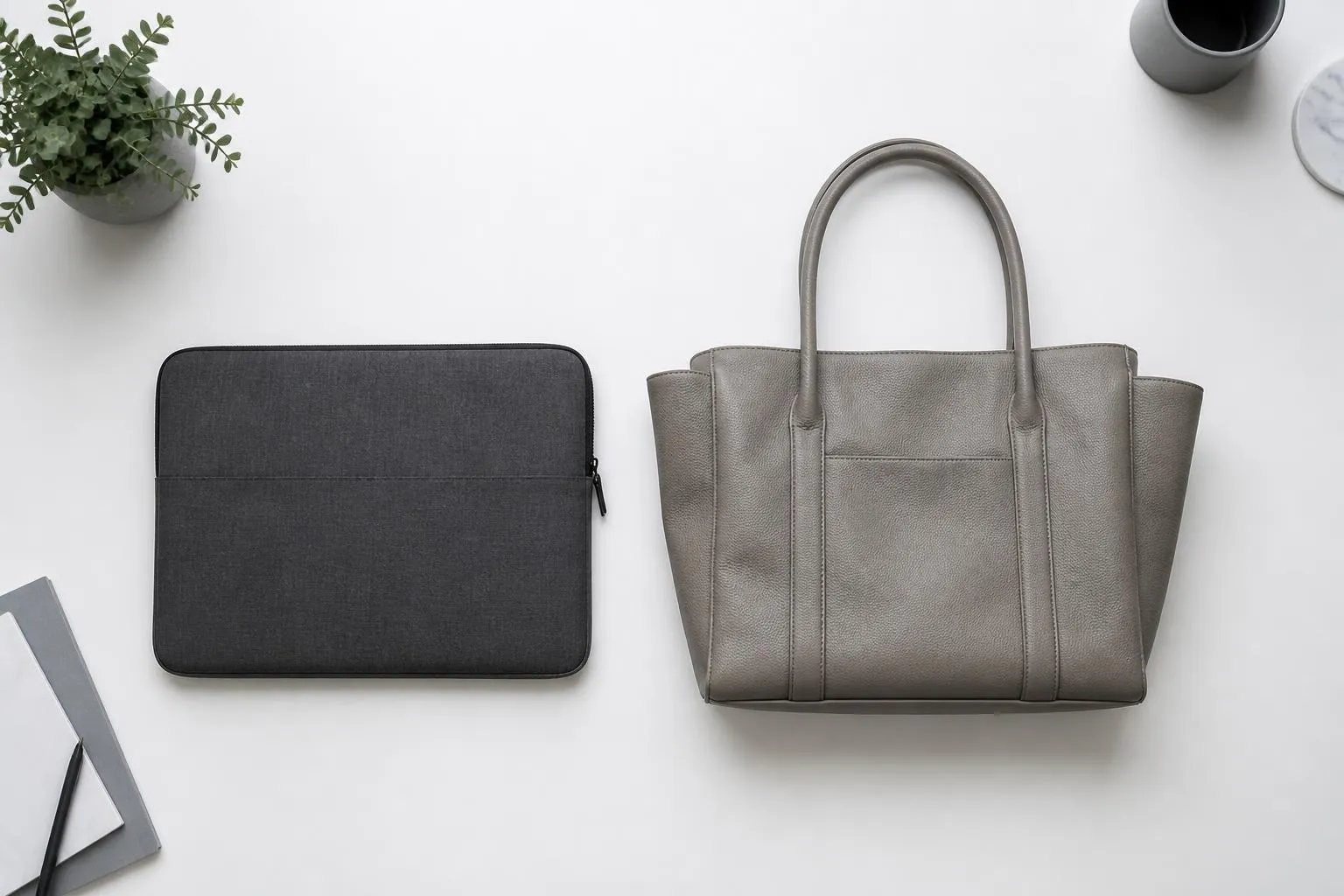
Padding Is the Job — Not a Feature
Marketing copy loves to say “padded compartment” as if any padding qualifies. It does not. There are two things worth caring about: the material and the thickness.
EVA foam (ethylene-vinyl acetate) is what you want. It is rigid enough to resist compression and light enough to not add meaningful weight. Minimum useful thickness is 8–10 mm on the back panel and sides. Anything thinner will bottom out on a hard impact.
Memory foam is softer and conforms better to the machine’s shape, but compresses permanently over time. It starts protective and degrades. Fine for occasional travel, not ideal if the bag goes in and out of a car or bag every day.
Polyester fill — the stuff in cheaper sleeves — compresses immediately under pressure and offers almost no real protection against a corner impact. If you can squeeze the sleeve flat between two fingers with mild effort, it will not save your machine from a drop.

The Interior Lining Matters More Than the Exterior
The outside of a bag gets dirty. You wash it, replace it eventually, or stop caring. The inside is in constant contact with your MacBook’s aluminum lid, and aluminum scratches from abrasion.
The lining should be microfiber or felt. Both are soft enough to not abrade anodized aluminum. Avoid polyester mesh against the laptop surface — it is fine for pockets but will leave fine scratches over hundreds of insertions and removals.
Also look at the zipper path. A poorly routed zipper pulls metal teeth directly across the laptop’s edge as you open the bag. Good sleeves route the zipper away from the machine or use a fabric baffle that sits between the zipper pull and the computer.
Water Resistance: Necessary, Not Sufficient
Every bag sold in 2026 claims water resistance. The claim is meaningless without knowing the standard. What you actually want to know: can it survive a five-minute walk in moderate rain?
Look for a DWR (Durable Water Repellent) coating on the outer fabric combined with sealed or water-resistant zippers. A bag with DWR-coated nylon and YKK aquaguard zippers will keep your machine dry in rain that most people would not bother opening an umbrella for.
What it will not survive: submersion, heavy sustained rain, a spilled coffee directly on the bag. For those scenarios you need a hard shell case, not a sleeve or a soft bag. Know what you are actually protecting against.
The Fashion Trap
The most expensive mistake is paying $120–$180 for a bag that is primarily a fashion object. There are well-known lifestyle brands selling MacBook bags with logo-forward designs, premium-feeling exterior materials, and interiors that are little more than a thin felt pocket. The badge is doing most of the work. The protection is not.
This does not mean aesthetics do not matter — a bag you actively dislike carrying is one you will leave at home. But the test is simple: cover the logo and ask whether the bag still justifies its price based on padding, fit, lining, and water resistance. If the answer is no, you are paying a brand tax for something that will leave marks on your lid within six months.
Bags from Tomtoc, WaterField Designs, and Knomo have earned their reputations through construction quality, not brand recognition. They are not the only good options, but they benchmark what protection-focused design actually looks like at their price points.
Pick a bag the way you would pick a helmet: fit first, protection second, looks after that. Anything else is prioritizing the wrong thing.
Read Next
View Archive →
Mechanical Keyboard Switches: A No-Nonsense Guide
Linear, tactile, or clicky — choosing the wrong switch ruins the experience. Here's how to pick the right one for typing, gaming, and everything in between.

Building a Home Lab on a Budget
Build a capable home lab for under $300 — private cloud storage, VPN, media server, and more. A practical guide to hardware, setup, and what to actually run.