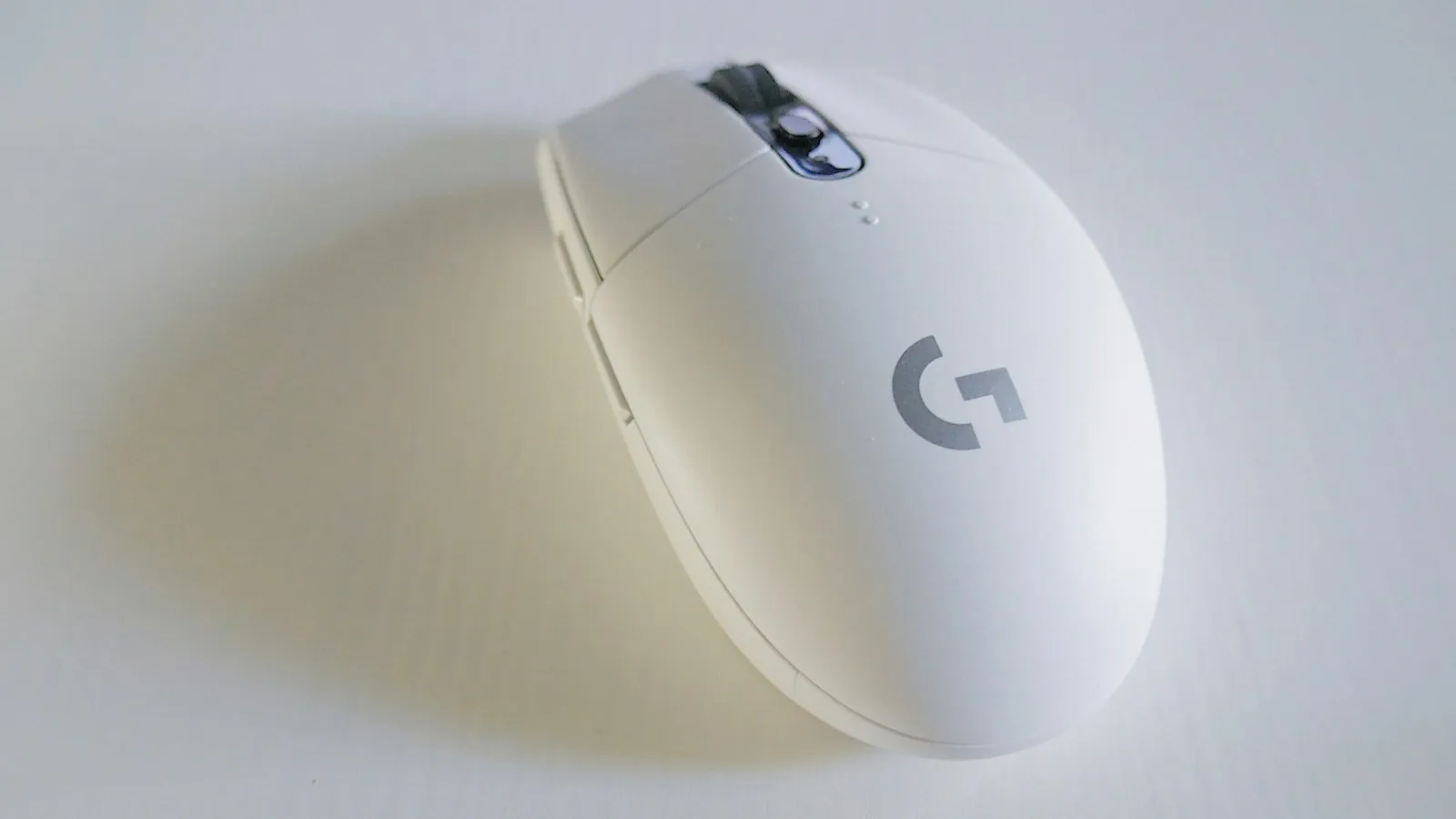
review
Gaming Mice Roundup: Sensor Wars
We test the PixArt 3395 vs 3370, compare 8000Hz polling, and rank the best gaming mice for every grip style and budget.
The gaming mouse market has never been more competitive — or more confusing. Every brand is claiming the best sensor, the lightest shell, and the smoothest glide. After months of daily use across shooters, MOBAs, and everything in between, here’s what actually separates the contenders from the also-rans.
The Sensor Debate: PixArt 3395 vs 3370
The PixArt 3395 is currently the gold standard for gaming sensors. It tracks flawlessly at any DPI setting, has zero smoothing or prediction at default, and handles high-speed swipes without spinout up to around 750 IPS. The older 3370 — still found in several mid-range mice — is no slouch either, but it begins to show micro-stutter at very high polling rates that the 3395 handles cleanly.
For most players at 400–1600 DPI, the practical difference is slim. Where the 3395 earns its place is in consistency: it behaves identically whether you’re lifting the mouse three millimetres off the pad or dragging it in a full-arm sweep. That predictability matters more than the raw spec sheet numbers.
Polling Rate: Does 8000Hz Actually Help?
Several flagship mice now ship with 8000Hz polling mode, quadrupling the standard 1000Hz. In theory, this halves input latency further. In practice, the gains are measurable in lab conditions but imperceptible to all but the highest-ranked competitive players. It also increases CPU load noticeably on older systems. Stick with 1000Hz unless you’re running a modern gaming PC and playing at 240+ fps consistently.
Wireless vs Wired in 2026
The “wired is always better” argument is dead. Logitech’s LIGHTSPEED and Razer’s HyperSpeed wireless technologies both run at 1ms latency — identical to a USB cable for practical purposes. The tradeoff is price and battery management. If you forget to charge, you’re mid-game with a dead mouse. That’s the only real downside left.
Grip Style and Shape Selection
Mouse shape is more personal than any spec. Broadly:
- Palm grip — larger mice with a high rear hump. The Razer DeathAdder V3 is a textbook example: long, comfortable, and easy to hold for extended sessions.
- Claw grip — medium mice with a moderate hump. Most players fall here, and most mice are designed with this in mind.
- Fingertip grip — small, flat mice held only at the fingertips. The Pulsar X2 Mini was built for this style and weighs just 52g.
Comparison Table
| Mouse | Sensor | DPI Range | Weight | Price |
|---|---|---|---|---|
| Logitech G Pro X Superlight 2 | PixArt 3395 | 100–32,000 | 60g | $159 |
| Razer DeathAdder V3 | Focus Pro 30K | 100–30,000 | 88g | $99 |
| Pulsar X2 Mini | PixArt 3395 | 50–26,000 | 52g | $79 |
Verdict
If budget isn’t a concern, the Logitech G Pro X Superlight 2 remains the benchmark — it pairs the best sensor with a weight that makes long sessions effortless. On a tighter budget, the Pulsar X2 Mini punches far above its price with the same PixArt 3395 sensor and a featherweight build that fingertip-grip players will love. The Razer DeathAdder V3 earns its place for anyone who needs an ergonomic right-handed shape and doesn’t want to pay flagship prices for wireless.
There’s no universally best mouse — only the best mouse for your grip, your game, and your hand. Use this table as a starting point and handle your shortlist before committing.
Read Next
View Archive →
Mechanical Keyboard Switches: A No-Nonsense Guide
Linear, tactile, or clicky — choosing the wrong switch ruins the experience. Here's how to pick the right one for typing, gaming, and everything in between.

Building a Home Lab on a Budget
Build a capable home lab for under $300 — private cloud storage, VPN, media server, and more. A practical guide to hardware, setup, and what to actually run.